Privacy and storage in Lerix
How Lerix handles local-only keys, end-to-end encrypted sync, temporary chats, and optional analytics cookies.
With end-to-end encrypted sync, your Lerix workspace is encrypted before it leaves your device. Lerix stores encrypted data and required sync metadata, but not the keys to read it. Synced chats, files, images, workspace data, and API keys can only be decrypted on devices where you sign in and unlock your workspace. Optional Agent memory separately sends readable text for cloud processing when you enable it.
Local-only storage
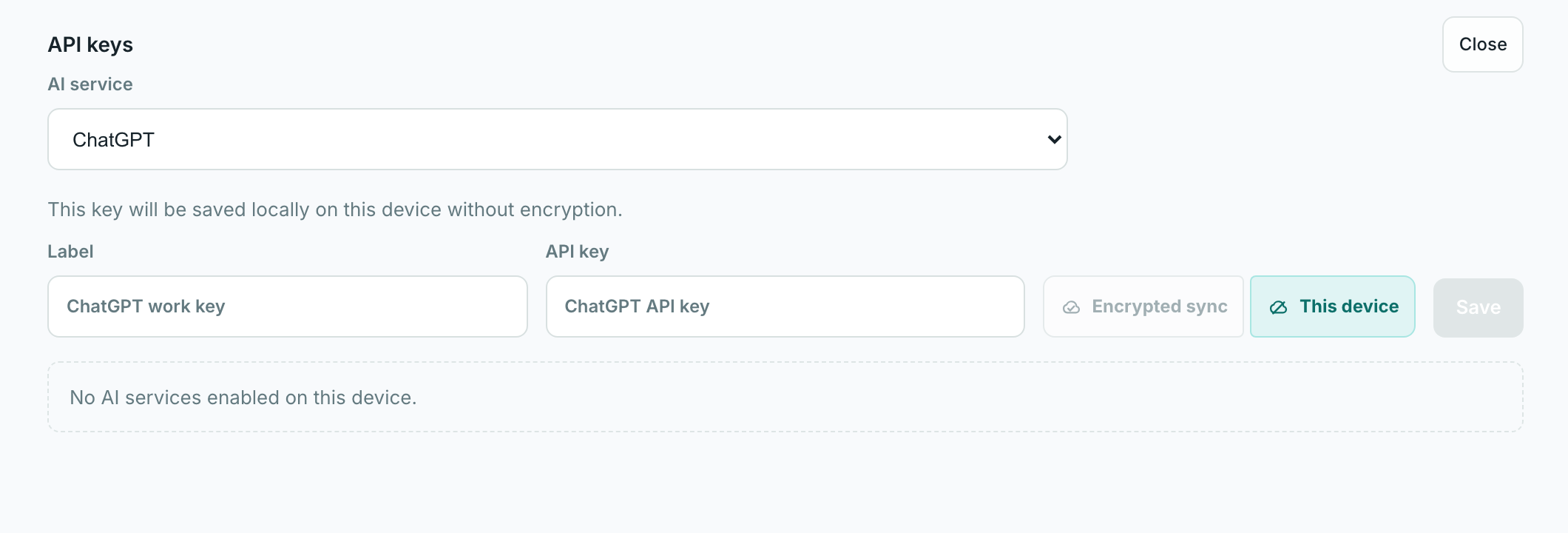
When you are not signed in, the API-key storage selector is locked to This device. Signed-out keys and chats are local only and are not part of account sync.
End-to-end encrypted sync
Your Lerix password unlocks your workspace key on your device. Your raw Lerix password, workspace key, recovery key, and decryption keys are not sent to Lerix.
Because Lerix does not have those keys, Lerix cannot read your encrypted synced data or recover it for you. Keep your recovery key safe. If you lose both your Lerix password and recovery key, your encrypted synced data cannot be decrypted.
- Chats, files, images, workspace data, and API keys are encrypted on your device before sync.
- Free accounts include encrypted API-key sync. Pro accounts also include encrypted chat, file, image, and workspace sync across devices.
- When an account reaches its encrypted sync quota, Lerix blocks new synced writes instead of deleting synced data. Local-only use remains available where safe.
- Signed-out local mode is different: API keys stay on this device and are not part of encrypted account sync.
AI service API calls still go directly from the client to the AI service where that access path is supported. Codex Relay is the separate Pro desktop relay feature.
Temporary Chat
Temporary Chat never reads or saves Agent memory.
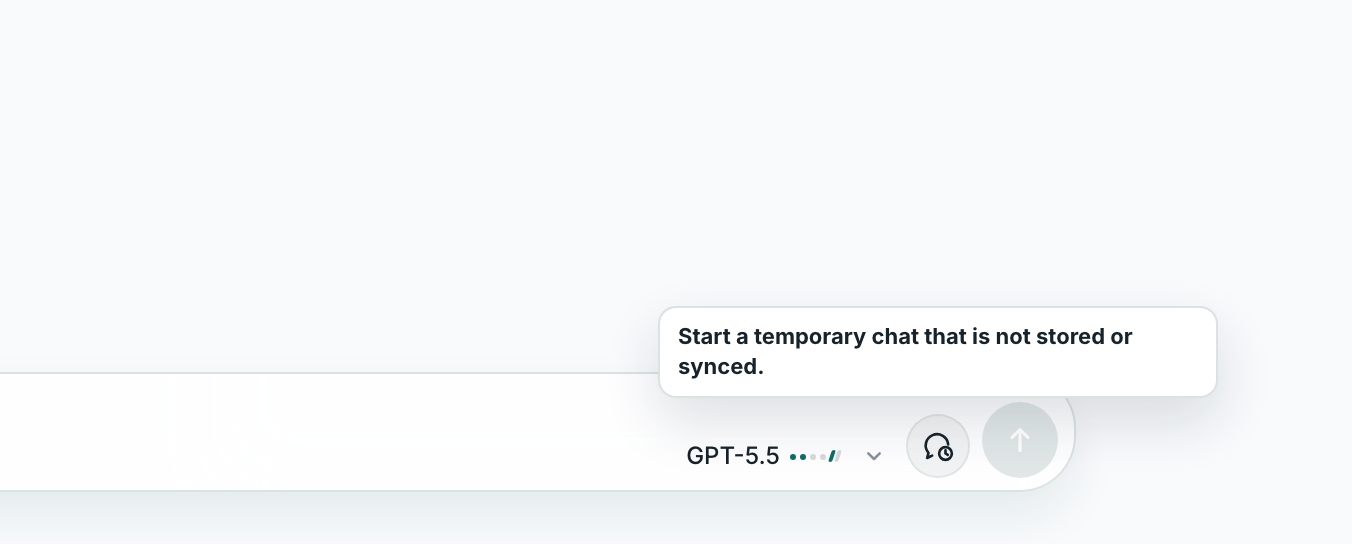
Temporary Chat is an in-memory chat surface for conversations you do not want saved as normal chat history. Turn it on before sending the first message.
Optional Agent memory
Agent memory is a paid feature in testing with a daily limit. It is off until you enable it for a saved Agent. The separate default setting controls agent chats that have no explicit memory choice; each chat’s composer switch overrides that default.
When Memory is on, Lerix sends the current text query and, after a successful reply, a bounded text copy of that new exchange through the Lerix API to Supermemory for storage and recall. This memory copy is not end-to-end encrypted: Lerix processes the text in transit and Supermemory processes and stores it. Account sync remains encrypted. The feature does not upload earlier chat history, attachments, Agent files or API keys.
Memory stays separate for each Agent in your account. Turning it off stops new recall and saving; it does not erase saved memory. Delete the Agent to remove its cloud memory; this removal remains available in the Agents panel after a downgrade. Deleting a chat or this device’s local data does not remove that separate memory. Removal needs an internet connection; if it cannot finish, Lerix keeps the Agent and shows an error so you can retry.
Memory currently applies to text messages; image generation and live voice do not use it. New memories may take a little time to become available and may be incomplete or mistaken. When the daily allowance is reached or memory is unavailable, ordinary chat continues without memory. Daily allowances reset at midnight UTC and can change with available service credits and recent paid-user activity. Lerix stores account/day activity and usage metadata to enforce these limits, without storing chat text in its quota database.
Optional cookies and analytics storage
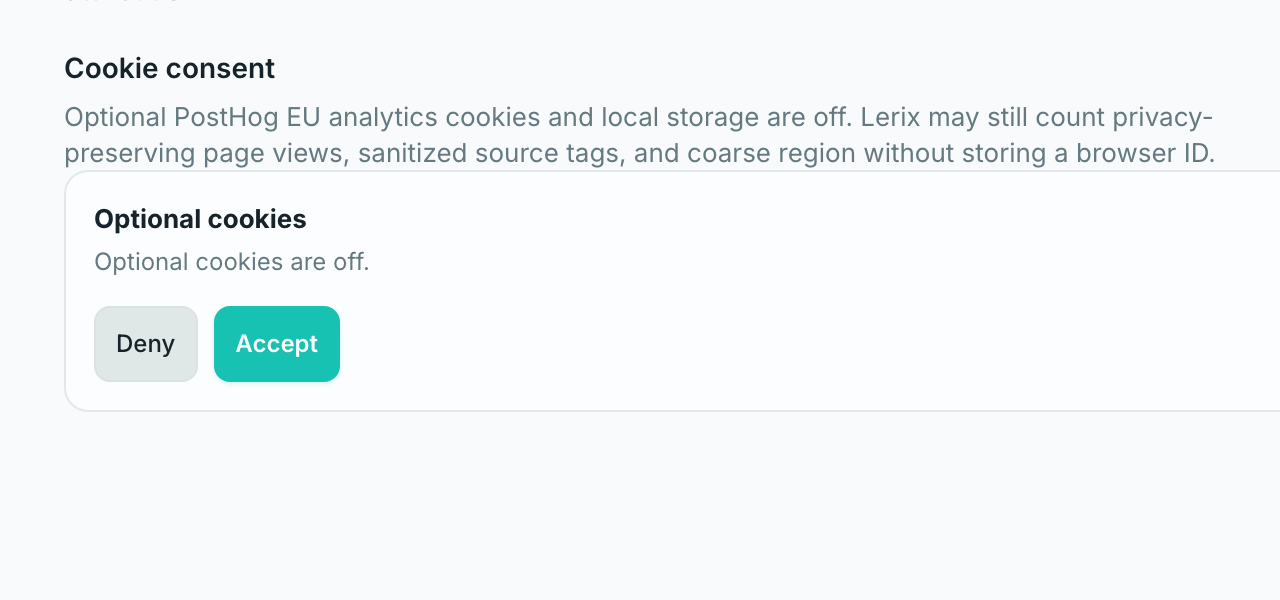
Lerix exposes optional PostHog EU cookies and local storage in Privacy settings. Optional cookies can stay off while Lerix still counts privacy-preserving page views and sanitized source tags.